The best AI chatbot for a website is one that learns from your own pages, answers customers accurately, shows where each answer came from and passes the chat to a person when it is unsure. For a UK small business, choose one that is quick to set up and handles customer data in line with UK GDPR. It should also capture leads and bookings.
At a glance
- Chatbase’s Hobby plan was listed at $32 a month on annual billing, in US dollars rather than pounds (source).
- Tidio has a free plan that includes 50 AI conversations, and Tidio Starter plus Lyro was listed at $56.67.
- Crisp Essentials was listed at a flat $95, and Crisp is described as EU-hosted.
- Most comparison pages price in US dollars, so UK buyers should check the pound price including VAT (source).
- Chati has been developing apps since 2009 and trains its chatbot on each customer’s own data.
What is an AI chatbot for a website?
An AI chatbot for a website is a chat widget that reads your content and answers visitors’ questions in plain language, at any hour. Unlike an older rule-based bot, it does not rely on fixed menus and scripted paths.
A rule-based bot asks the visitor to pick from buttons: “Opening hours”, “Prices”, “Talk to us”. If the question does not fit a button, the visitor hits a dead end. An AI chatbot lets people type a question the way they would ask a receptionist, then works out the answer from the material it has been given.
What it learns from
A good one is trained on your own pages, PDFs and documents. That might be your services pages, your price lists, your policy documents and the FAQ page you wrote years ago and forgot about. The more accurate and up to date that material is, the better the answers will be.
Typical jobs
- Answering frequently asked questions
- Giving opening hours and location details
- Explaining pricing and what is included
- Taking enquiries when the office is closed
- Booking appointments
Where it sits next to live chat
Live chat puts a person on the other end of every conversation. A chatbot handles the routine questions first and can bring your team in when a conversation needs a human. Many businesses use both, with the bot covering evenings and weekends.
What should the best AI chatbot for a website do?
The best AI chatbot for a website answers only from your own content, shows its sources, admits when it does not know and hands over to a human. Use this checklist when you compare options.
- Answers grounded in your site, with sources shown
- A clear handover to your team when it is unsure
- Lead capture and booking
- Your own branding on the widget
- Reports on questions it could not answer, and re-crawling when your site changes
- A simple install with no coding
Accurate answers with sources
Shown sources let a visitor, and you, see which page an answer came from. That makes mistakes easy to spot and fix. A bot that cannot show its working is harder to trust, particularly in fields like law or healthcare.
Handover to a person
No bot should bluff. When it is unsure, it should say so and pass the chat to your team with the conversation attached. Chati shows its sources and hands chats to a human when unsure, and it is built with custom integration and trained on your data rather than on generic content.
Knowledge gaps and fresh content
Your business changes. Prices move, staff leave, opening hours shift for bank holidays. Look for a tool that reports the questions it could not answer and can re-read your site when pages change. Those reports tell you exactly what to add to your website.
How much does an AI chatbot for a website cost?
Plans commonly run from a free tier to roughly $30 to $100 a month for small businesses, usually quoted in US dollars. Prices change often, so check each vendor’s own site before you decide.
The figures below come from a 2026 comparison of website chatbots. They are a snapshot, not a quote.
| Tool | Free plan | Entry price listed | Billing basis and currency |
|---|---|---|---|
| Chatbase (Hobby) | Not stated in our research | $32 a month | Annual billing, US dollars |
| Tidio (Starter plus Lyro) | Yes, 50 AI conversations | $56.67 | US dollars |
| Crisp (Essentials) | Not stated in our research | $95 flat | US dollars, described as EU-hosted |
Costs that are easy to miss
- Per-conversation or per-resolution fees on top of the monthly plan
- Extra seats for team members who need to take over chats
- VAT, which may not be included in the listed price
- Dollar exchange rates, which move your monthly cost in pounds
As one comparison guide shows, prices are mostly given in US dollars, so always ask for the pound price including VAT. Free plans are useful for testing, but check the conversation limits, because a busy site can use up 50 conversations quickly.
For Chati, see our pricing page or ask us for a quote based on your site.
Which AI chatbot is best for a small business?
It depends on the business. Simple FAQ bots, shop-focused tools, developer platforms and full helpdesks each suit different needs, so match the tool to your situation rather than chasing a top-ten list.
Answering from your own website
If most of your questions are already answered somewhere on your site, pick a tool trained on your content. Setup is quick and the answers stay in your own words.
Online shops
If visitors ask about stock, sizes or delivery for specific products, you need a tool that connects to product data. A generic site-reading bot may not be enough.
Developers and workflow builders
Some platforms are built for teams who want to design flows, connect APIs and tinker. They offer freedom but need technical time. A roundup of AI chatbot builders gives a sense of the range.
Busy support teams
If you have several people handling a steady flow of tickets, helpdesk-style tools with shared inboxes and assignment rules may suit you better.
Where Chati fits
Chati is for UK small businesses that want answers from their own site, shown sources and human handover, without building anything themselves.
How do you add an AI chatbot to your website?
You add one by pointing it at your website, checking its answers, setting branding and handover rules, then pasting a short embed code or using a plugin. Here are the steps.
- Choose what the bot should handle. List the questions your team answers most often. Start with those. Don’t try to cover everything at once.
- Train it on your site and documents. Give it your web address and upload PDFs such as price lists or policies.
- Test with real customer questions. Pull questions from your inbox, call notes and past chats. Ask the bot each one and check the answer and the source it shows. Also try questions it should not answer, to see whether it admits it does not know.
- Set handover, lead capture and bookings. Decide who receives a chat when the bot is unsure, which details to collect from enquiries and how appointments are booked. Add your own branding so the widget matches your site.
- Install, then review chats weekly. Paste the embed code into your site, or use a plugin. Read a sample of conversations each week and fill any gaps it flags.
The embed code works on WordPress and other common site builders, usually by pasting it into a header or footer setting. Our how it works page walks through the process for Chati, including branding, lead capture and bookings.
Is an AI chatbot safe and compliant for UK businesses?
It can be, if you handle personal data in line with UK GDPR, tell visitors they are talking to AI and know where chats are stored. This is practical guidance, not legal advice.
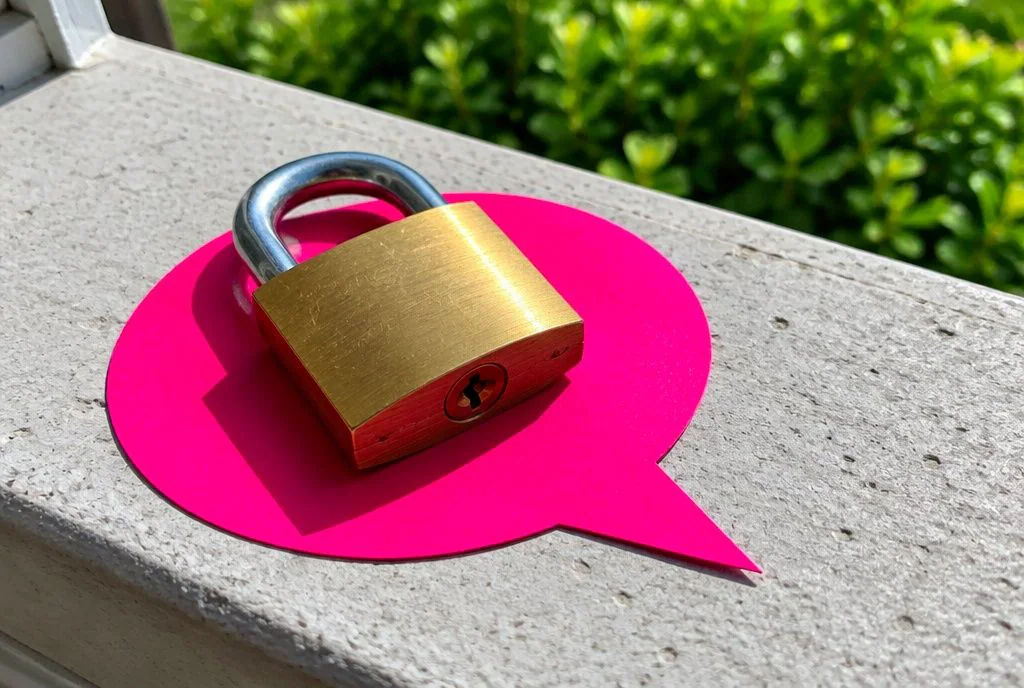
Privacy notice and AI disclosure
Update your privacy notice to mention the chatbot, what it collects and why. Make it clear in the chat window that visitors are speaking to an AI, and offer a route to a person.
Hosting and deletion
Ask every vendor where chat data is stored, how long it is kept and how you can delete it. Some tools describe their hosting, such as Crisp being described as EU-hosted. Get the answer in writing for the tool you choose.
Advice the bot should not give
Solicitors, dental practices and vets should be careful. A bot should explain services and take enquiries, not offer legal opinions or clinical advice. Restrict it to your approved content and set it to hand over when a question strays.
Sensitive questions
Set handover rules for anything involving health, money worries, complaints or personal circumstances, so a person picks it up. For specific cases, check with a data protection adviser.
What can an AI chatbot do for UK service businesses?
It can answer common questions, capture enquiries and book appointments outside office hours. Chati’s customers include UK dental practices, solicitors, trades, letting agents, accountants, vets, hotels and gyms, and the jobs differ a little by sector.
- Dental practices and vets: opening times, what to bring and appointment requests. Anything clinical goes to staff.
- Solicitors and accountants: first enquiries and lead capture, so your team gets the contact details and a short note on what the person needs.
- Trades and letting agents: quote requests, areas covered and viewing bookings.
- Hotels and gyms: availability questions, facilities and membership queries.
Our industry guides go into more detail for each sector.
Why choose Chati for your website chatbot?
Chati gives you good value, custom integration and a bot trained on your own data, backed by a team that has developed apps since 2009.
- Great value for money for small and growing businesses.
- Custom integration, trained on your data rather than generic content.
- Sources shown, with chats handed to a human team when the bot is unsure.
- Branding, lead capture and bookings built in.
You can read more about who builds Chati and why. If you would like to see it answer questions from your own website, get in touch with Chati and we will talk you through it.
Frequently asked questions
Can I get an AI chatbot for my website for free?
Yes, some tools offer free plans. Tidio’s, for example, includes 50 AI conversations. Free tiers are good for testing but have limits, so check them against your visitor numbers.
Will an AI chatbot give wrong answers?
Yes, especially if your content is out of date or the bot is not tied to it. Choose one that answers from your own pages, shows sources and hands over when unsure, and test it before going live.
Can I make a chatbot that only uses my website content?
Yes. Look for a tool trained on your own pages and documents, with sources shown, so you can see where each answer comes from. Chati works this way.
Does an AI chatbot replace live chat staff?
Not fully. It handles routine questions and out-of-hours enquiries, while your team takes the conversations that need judgement or a personal touch.
Do I need to tell visitors they are talking to AI?
You should make it clear. It is good practice and fits with being open about how you handle personal data. Check your own situation with a data protection adviser.
How long does it take to set up a website chatbot?
Pointing it at your site and pasting in an embed code can be quick. Testing with real customer questions and setting handover rules is what takes the time, and it is worth doing properly.
Will a chatbot slow down my website?
A chat widget adds some load, so ask the vendor how it loads and test your page speed before and after installing it.