A website chatbot works by placing a chat window on your site that sends each visitor message to a server. An AI model reads the question, searches a knowledge base built from your own website content, and writes a reply grounded in what it finds. If it is unsure, it hands the chat to a person.
At a glance
- A typical AI website chatbot has five parts: a frontend chat window, a backend server, an AI model, a knowledge base and (for good set-ups) a route to a human. Microsoft’s reference architecture sets this out.
- Retrieval augmented generation (RAG) combines search with a large language model so answers are grounded in your own data.
- Chatbots use natural language processing to understand human language and run simple, automated tasks.
- Chati answers customers from a business’s own website, shows its sources and hands chats to a human team when unsure.
- Official guidance advises people not to share passwords, bank details or sensitive personal information with AI chatbots.
What is a website chatbot?
A website chatbot is a chat window on your site that answers visitors’ questions automatically, so they get help without waiting for a person. Think of it as a front desk that is always staffed, sitting on your web pages.
Not all chatbots are built the same way. Older ones were rules-based. They offered fixed buttons (“Opening hours”, “Book a visit”) or reacted to set keywords. If a visitor typed something the designer had not planned for, the bot usually replied with “Sorry, I didn’t understand that”. Modern AI chatbots are different. They understand ordinary written language, so a visitor can type a question the way they would say it to a receptionist.
You will usually spot the chat window as a small icon in the bottom corner of the page. Many businesses also place it on enquiry and booking pages, where visitors are most likely to have a last question before getting in touch.
How does a website chatbot work step by step?
A visitor types a question, the chat window sends it to a server, the AI finds relevant content from your knowledge base and writes a reply that appears in seconds. If the bot is unsure, a person takes over.
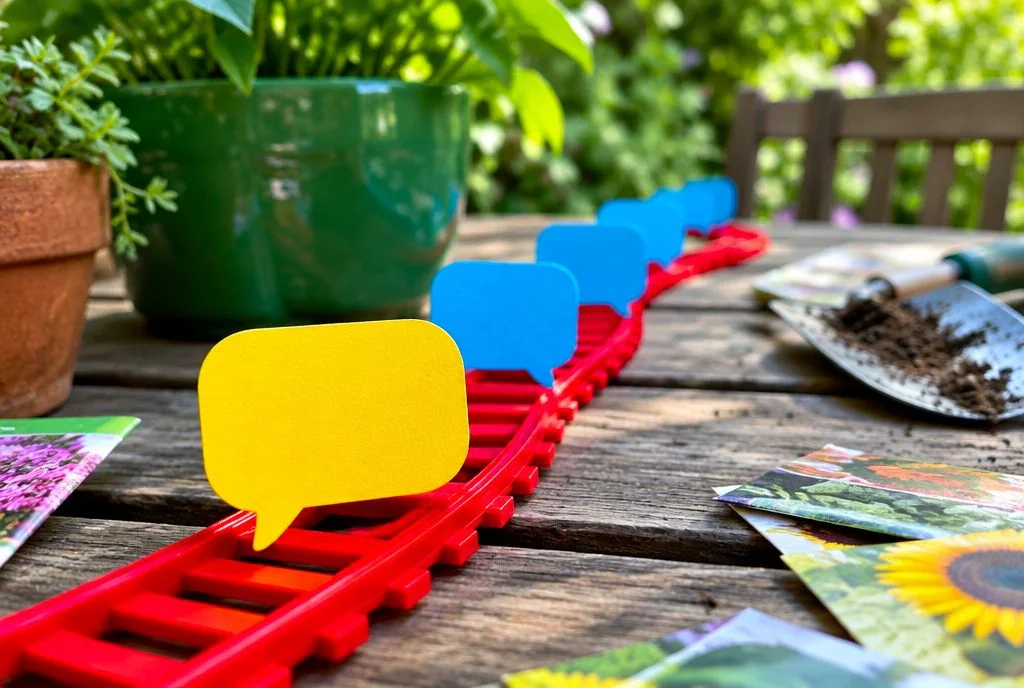
- Message: the visitor types a question into the chat window.
- Server: the window passes the message to a backend server that manages the conversation.
- Understanding: an AI model works out what the visitor is really asking.
- Retrieval: the system searches your knowledge base for the passages that relate to the question.
- Answer: the AI writes a reply based on those passages, often with the sources shown.
- Handover or follow-up: if the answer is unclear, the chat goes to your team. Otherwise the bot can offer to take contact details or a booking.
The whole round trip normally feels quick, a matter of seconds rather than minutes. Exact speed depends on the set-up and the length of the answer, so we will not put a number on it.
| Step | What happens | What the visitor sees |
|---|---|---|
| 1. Message | Question is typed and sent | Their own message in the chat |
| 2. Server | Backend receives it and keeps the chat history | A typing indicator |
| 3. Understanding | AI works out the meaning | Nothing yet |
| 4. Retrieval | Relevant passages are found in your content | Nothing yet |
| 5. Answer | Reply is written from those passages | A clear answer, ideally with sources |
| 6. Handover or follow-up | Chat goes to a person, or a lead or booking is taken | An offer to connect them with your team |
What are the main parts of a website chatbot?
There are five main parts: the chat window, the backend server, the AI model, the knowledge base and the human handover. Microsoft describes a similar layout in its baseline chat reference architecture.
| Component | Its role |
|---|---|
| Frontend (chat window) | What visitors see and type into on your site |
| Backend server | Receives messages, keeps the conversation together and links the other parts |
| AI model | Reads the question and writes the reply |
| Knowledge base | Your content, organised so it can be searched quickly |
| Human handover | Passes the chat to your team when the bot is unsure |
Chat history and orchestration
Two behind-the-scenes jobs are worth knowing about. Chat history means the bot remembers what was said earlier in the conversation, so a visitor can ask “And on Saturdays?” without repeating themselves. Orchestration is the server’s job of coordinating the steps: taking the message, searching the knowledge base, passing the findings to the AI and returning the reply. Visitors never see it, but it is what makes the parts behave like one tool.
What you control as the owner
You do not need to touch the technical layers. What you do control is the content the bot learns from, the branding of the chat window, the rules about what it should and should not answer, and when and how chats reach your team.
How does a chatbot understand what visitors ask?
It uses natural language processing and a language model to work out what the visitor means, even when the wording is messy, rather than matching exact keywords. Natural language processing is the technology that lets software make sense of human language, as Microsoft explains in its chatbot overview.
Take a typical question: “can I get an appointment on Saturday?” A keyword bot might look for the word “appointment” and send back a generic booking link. An AI chatbot reads the meaning: the visitor wants to know whether Saturday slots exist. It can then look for your weekend opening information and answer that directly.
This is also why different phrasings land in the same place. “Are you open at the weekend?”, “Do you do Saturdays?” and “can I come in on Sat?” all point to the same intent, so the visitor gets the same answer however they type it.
We should be honest about the limits. AI can still misread an unclear or very short question. That is one reason showing sources and offering a route to a person matters so much.
How does a chatbot find answers from your own website?
Most modern chatbots use retrieval augmented generation, known as RAG: they search your content for the relevant passages first, then write an answer based on those passages. Microsoft describes RAG as combining search with a large language model so responses are grounded in your own data.
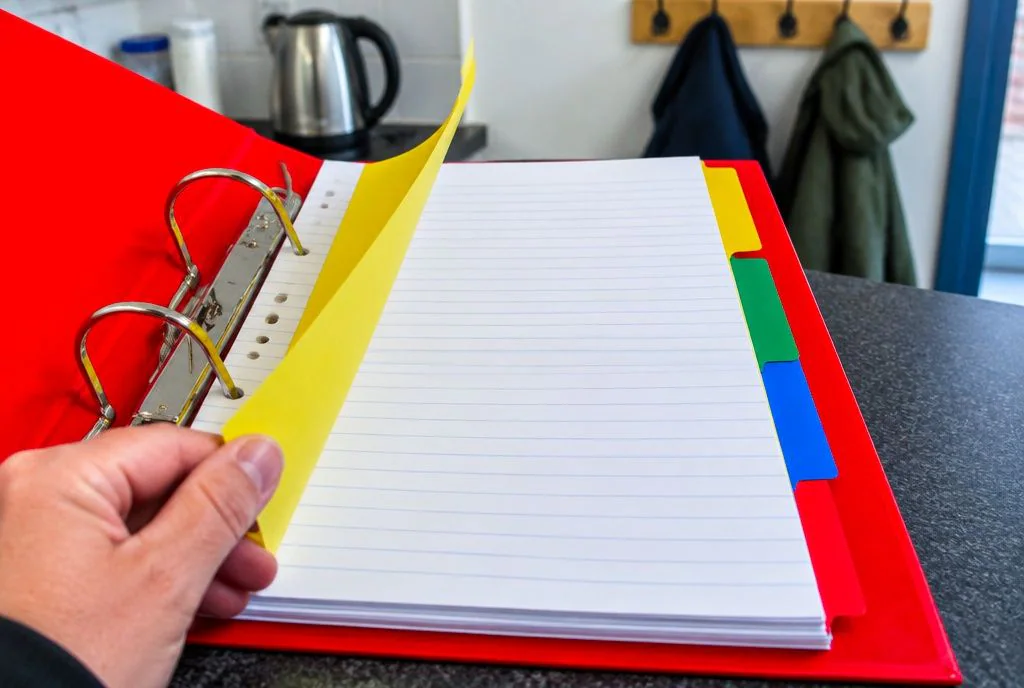
In plain terms, picture a new member of staff who has never worked at your business. You would not ask them to answer from memory. You would hand them your handbook and say “look it up before you reply”. RAG works the same way. The AI is good at writing clear sentences, and the search step supplies the facts to write about.
How the knowledge base is built
The knowledge base is made from the content you already have: website pages, PDFs, FAQs and similar material. That content is read, split into manageable pieces and indexed so the right piece can be found quickly. Keep it fresh. When your prices, opening times or services change, the content needs refreshing so the bot does not repeat old information.
Why sources matter
When a chatbot shows where an answer came from, a customer can click through and check it. Your staff can do the same when they review chats. It turns the bot from a black box into something you can verify, and that cuts down on wrong answers going unnoticed.
How Chati does it
Chati is trained on the customer’s own data, so answers come from their site rather than from the wider internet. We also offer custom integration, so the chatbot can be fitted to how your business actually works. You can read more on our how it works page.
What happens when a chatbot does not know the answer?
A well-built chatbot admits it is unsure and passes the conversation to a person on your team, rather than guessing. This is called human handover, and it is the safety net behind everything else.
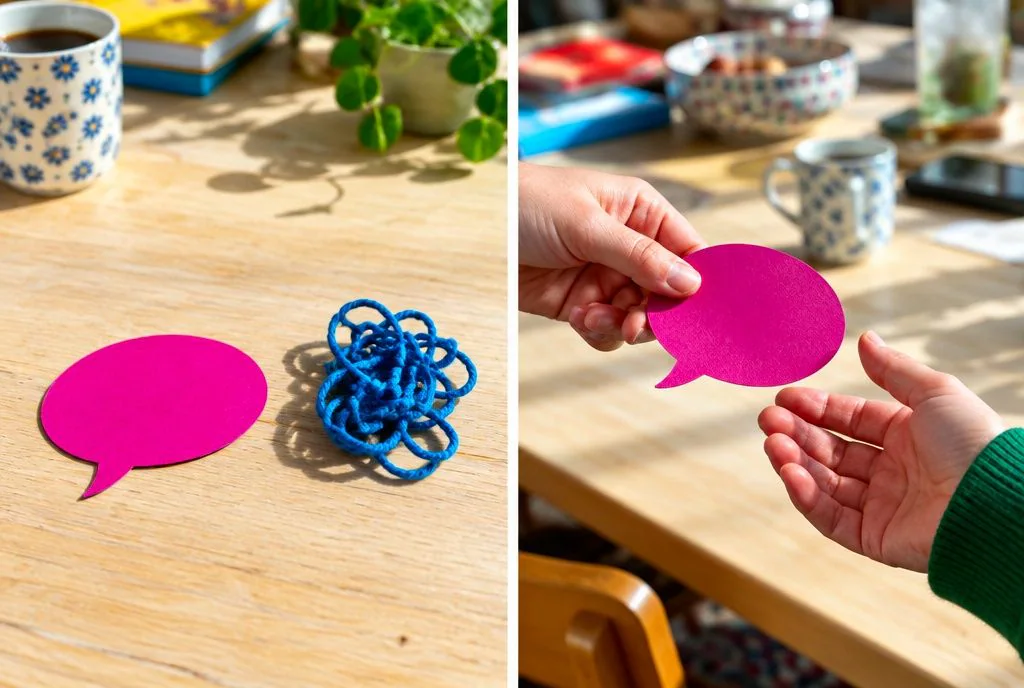
Good handover passes context along. The person picking up the chat should be able to see what the visitor already asked, so nobody has to repeat themselves.
Guessing is a real risk in regulated or sensitive areas. A made-up answer about a legal process, a dental treatment or a pet’s symptoms could do harm, and the business would be the one answerable for it.
Examples by sector
- Solicitors: a visitor describes their situation and asks what will happen next. The bot can explain how to book an initial conversation, but a person should take any question that needs legal judgement.
- Vets: someone says their dog has eaten something it should not have. That needs a person straight away, so the chat should go to your team rather than rely on a generic reply.
- Hotels: a guest wants to change a booking that has special conditions. Our chat can gather the details, then pass the conversation to reception to confirm.
What can a website chatbot do besides answer questions?
Beyond answering questions, a chatbot can capture leads, take bookings and match your branding, working outside office hours.
Lead capture
The bot can ask for a name and contact details at a sensible moment, for example after answering a question and offering a call back. It feels far more natural than a form sitting at the bottom of a page. A trades business might use it to collect the job type and postcode before the team rings back.
Bookings
Appointments, viewings, classes or room and table enquiries can all start in the chat. A dental practice might take a check-up request, a letting agent a viewing request and a gym a class or tour enquiry.
Branding
The chat window can match your colours, name and tone. It looks like part of your site rather than a bolted-on widget. Our customers include dental practices, solicitors, trades, estate and letting agents, accountants, vets, hotels and gyms, and our industry guides show how each might use it. An accountancy firm, for instance, might use the bot for common questions about services and deadlines, then capture the details of anyone wanting to become a client.
What should you never tell a website chatbot?
Never share passwords, PINs, bank login details, verification codes or sensitive personal identifiers such as National Insurance or passport numbers. Privacy regulators advise people to be careful about what they type into AI chatbots, and the Office of the Privacy Commissioner of Canada sets out that guidance clearly.
A sensible list of things not to enter:
- Passwords and PINs
- Online banking details and card numbers
- One-time codes sent to a phone or email
- National Insurance, passport or driving licence numbers
- Detailed health or other sensitive personal information
For businesses, the practical step is to tell visitors on the chat window itself what not to type. A short line such as “Please don’t share passwords or payment details here” sets expectations and protects your customers.
It is also worth thinking about UK GDPR. Ask any provider where chat data is stored and processed, who can see it and how long it is kept. Treat this as a prompt for your own checks, not legal advice, so speak to a qualified adviser if you are unsure about your obligations.
How do you choose a website chatbot for a small business?
Choose one that learns from your own website, shows its sources, hands over to humans and fits your budget without long set-up. A short checklist helps:
- Is it trained on your own data?
- Does it show sources for its answers?
- Can it hand a chat to your team when unsure?
- Can you match it to your branding?
- Does it offer lead capture and bookings?
- Where is support based?
Value for money matters too, especially for a small business that needs the tool to pay its way. Compare what is included, not just the headline cost. Customers choose Chati for great value for money, along with custom integration and training on their own data. Our team has been developing apps since 2009, and that background shapes how we approach integration. You can see our pricing or read who builds Chati.
If you would like to see how a chatbot could work on your own site, get in touch with Chati and we will talk it through with you.
Frequently asked questions
Is a website chatbot the same as live chat?
No. Live chat connects a visitor to a person in real time. A chatbot answers automatically, and a good one can pass the chat to a person when needed, so the two can work together.
Can a chatbot learn from my website automatically?
Yes, a modern chatbot can build its knowledge base from your pages, PDFs and FAQs. The content should be refreshed when things change so answers stay current.
Do website chatbots use ChatGPT?
Some use large language models from various providers to write replies. What matters more is that the answers are grounded in your own content and that sources are shown.
Can a chatbot give wrong answers?
It can, particularly if the question is unclear or your content is out of date. Showing sources and handing over to a person when unsure reduce the risk.
How long does it take to set up a website chatbot?
It depends on the provider and how much custom integration you need. Look for one that learns from your existing website, as that avoids writing every answer by hand.
Will a chatbot replace my staff?
It is better seen as support. Routine questions and out-of-hours enquiries go to the bot, while your team deals with the conversations that need judgement and a personal touch.
Is a website chatbot safe for customer data under UK GDPR?
That depends on how the provider stores and processes data. Ask where data is held, who can access it and how long it is kept, and take advice if you are unsure of your duties.