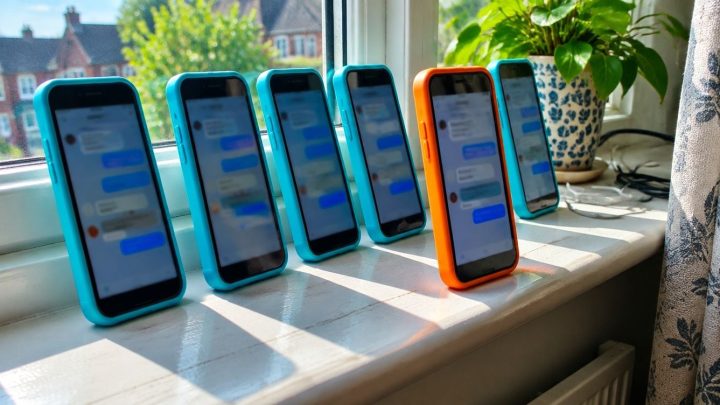
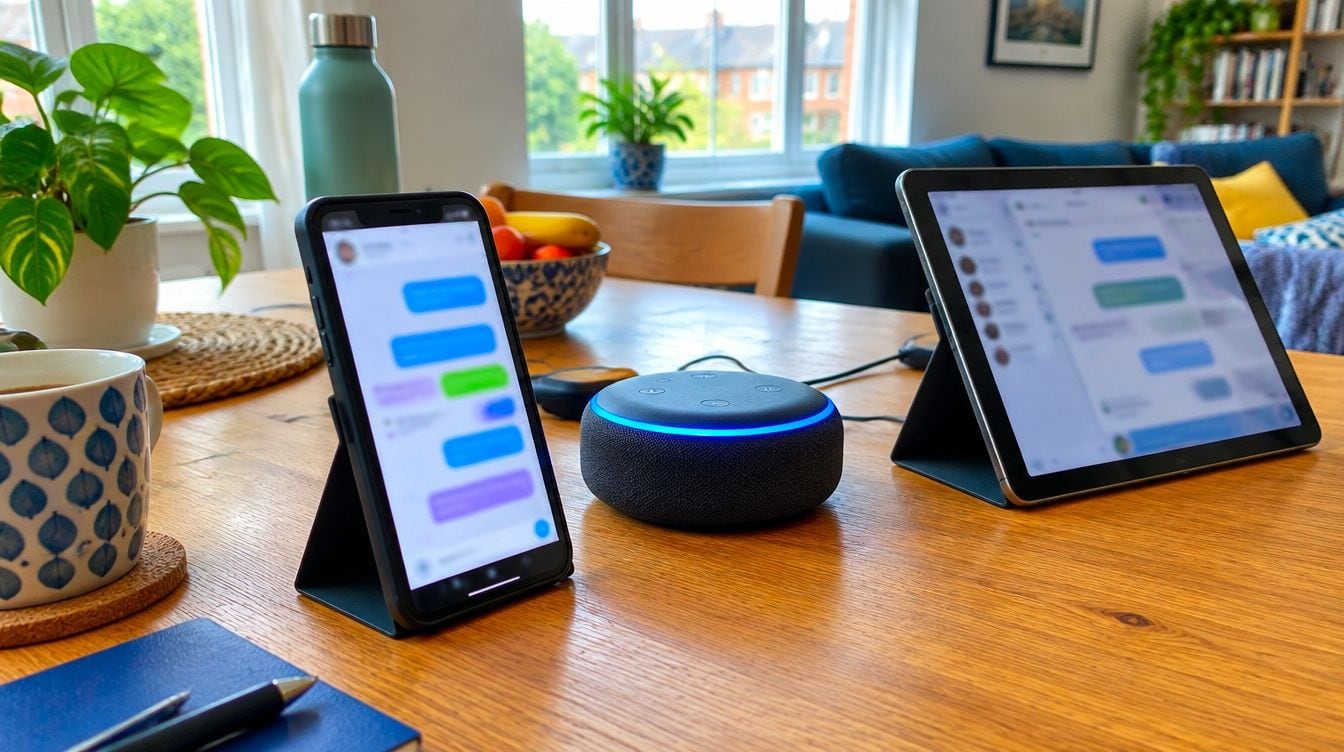
A chatbot example is a program that holds a conversation with people, such as a website bot that answers customer questions, a voice assistant like Alexa, or a general AI like ChatGPT. A good business chatbot example answers from your own website, shows its sources and passes the chat to a person when unsure.
At a glance
- Alexa is a voice-activated AI assistant that uses speech recognition and natural language processing, so it counts as a voice chatbot.
- Famous general AI chatbots in 2026 include ChatGPT, Gemini, Claude, Microsoft Copilot and Perplexity.
- Perplexity is an AI search chatbot that gives references to its sources.
- Only 4% of customer service organisations have achieved the ROI they expected from AI, per a Gartner survey reported on 5 November 2026.
- Chati builds website chatbots trained on a business’s own data, with human handover, lead capture and bookings.
What is a chatbot example?
A chatbot is software that talks with people in everyday language, by typing or speaking. Examples range from simple bots that follow a fixed script to AI bots trained on your own content.
Rule-based versus AI chatbots
A rule-based bot works like a phone menu. You pick a button, it follows a set path, and it can only say what someone has written for it in advance. It is predictable, but it gets stuck the moment a customer asks something unexpected.
An AI chatbot reads the question, works out what is being asked and writes a reply in plain language. The better ones draw that reply from a defined set of material, such as your website pages, rather than from anywhere at all. That matters a great deal for a business. We come back to it below.
Where you meet them
- Websites: a small chat window in the corner that answers questions about the business.
- Messaging apps: bots inside tools such as WhatsApp or Facebook Messenger.
- Voice: assistants like Alexa that you talk to out loud.
- Apps: help chats inside banking, delivery or travel apps.
Why examples help before you choose one
Chatbot pages tend to be full of promises and light on real conversations. Seeing how a bot actually replies, and what it does when it does not know, tells you far more than a feature list. The examples below are meant to give you that picture.
What are the most famous chatbot examples?
The best known general AI chatbots in 2026 are ChatGPT, Gemini, Claude, Microsoft Copilot and Perplexity. Most people use them to ask questions, draft text, summarise documents or search for information.
| Chatbot | Maker | Best known for |
|---|---|---|
| ChatGPT | OpenAI | General questions, writing and brainstorming |
| Gemini | Answers and help linked to Google’s services | |
| Claude | Anthropic | Writing, reading long documents and analysis |
| Microsoft Copilot | Microsoft | Help inside Microsoft apps and Windows |
| Perplexity | Perplexity AI | Search-style answers with references |
Perplexity and sources
Perplexity is a useful example because it gives references to its sources, so you can check where an answer came from. That habit of showing the working is exactly what a customer-facing business bot should copy.
General tools are not your business’s bot
These five are built to talk about almost anything. They are not trained on one company’s services, opening hours or policies, and they will not know that your Saturday clinic ends at noon. For answering your own customers, you want a bot that sticks to your content.
Is Alexa a chatbot?
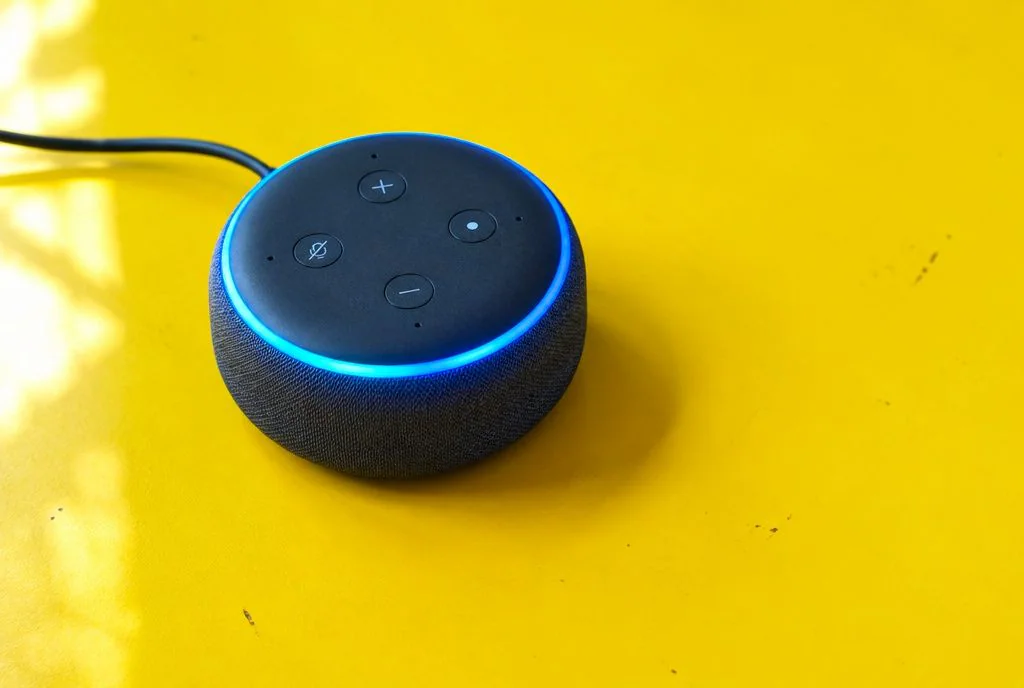
Yes. Alexa is a voice-based AI assistant, which makes it a type of chatbot that you speak to rather than type to. It uses speech recognition and natural language processing to understand what you say and reply out loud.
What Alexa can do
- Answer questions, such as the weather or a quick fact.
- Follow commands, such as setting a timer or playing music.
- Control smart-home devices, such as lights and heating.
Voice versus text chatbots
- Voice bots suit hands-free moments, like cooking or driving, and short replies.
- Text bots suit detail, because customers can read at their own pace, copy a link or scroll back.
- Voice bots can struggle with accents and background noise.
- Text bots can show sources, buttons and booking forms on screen.
Siri and Google Assistant
Siri on Apple devices and Google Assistant on Android phones and smart speakers are similar voice examples. All three are built mainly for personal tasks, not for answering questions about a particular local business.
What does a website chatbot example look like?
Here is a short sample chat on a made-up dental practice website. The visitor asks a business question and the bot replies from the site’s own content, with a source link. This is a hypothetical conversation, not a real customer chat.
Visitor: What time are you open on Saturdays?
Bot: We are open 9am to 1pm on Saturdays. Source: Opening hours page.
Visitor: How much is a check-up for a new patient?
Bot: The new patient check-up fee is listed on our fees page, which I have linked below. Source: Fees page.
Visitor: Can I book one for next week?
Bot: Yes. Which day suits you best? I can take your name and number and book you in, or pass you to the team if you would rather talk to someone.
What to notice
- Sources: each answer points back to a page, so the visitor can check it.
- Branding: the chat window carries the practice’s name, colours and tone, so it feels like part of the site.
- Lead capture: the bot asks for a name and number when someone is ready to act.
- Handover: the visitor can reach a person at any point, and the bot passes the chat on when it is unsure.
The contrast: a bot that guesses
A badly set up bot fills gaps with confident guesses. Ask it about a treatment you do not offer and it may happily describe one, or quote a price it has made up. A customer who acts on that ends up annoyed, and the mistake lands on your business. A good bot says “I’m not sure, let me get the team” instead.
What are chatbot examples for UK small businesses?
The clearest examples come from sector-specific jobs: each bot answers a typical question and then takes a sensible action. The chats below are hypothetical samples to show the idea, not customer results.
Dental practice
A new patient asks, “Are you taking on NHS patients?” The bot answers from the practice’s website, then offers to book a check-up and collects name, phone number and preferred day. Anything clinical goes to the team.
Solicitors
A visitor writes, “I think my landlord is trying to evict me. What should I do?” The bot does not give legal advice. It explains which services the firm offers, collects contact details and the type of matter, and hands the chat to a human who can follow up. That keeps the advice with qualified people.
Trades
At 9pm a homeowner asks for a quote to replace a boiler. The bot confirms the areas covered, asks for the job type, postcode and phone number, and passes the details to the team for the morning. The enquiry is captured rather than lost to a competitor who answered first.
Estate and letting agents
A prospective tenant asks whether pets are allowed at a listed flat and when they can view it. From the property page or the agent’s tenant FAQs, the bot answers, then offers viewing slots. Existing tenants get quick answers too, such as how to report a repair.
Accountants, vets, hotels and gyms
- Accountants: a small business owner asks what is included in a bookkeeping service, and the bot explains and offers a call.
- Vets: a pet owner asks about registering a new puppy, and the bot gives the steps and offers an appointment request.
- Hotels: a guest asks about check-in times and parking, and the bot answers from the site and points to the booking page.
- Gyms: a visitor asks about membership types and class times, and the bot answers and offers a trial visit booking.
You can read more about how this looks in each sector on our industry guides.
What makes a good chatbot example?
A useful bot gives accurate answers from your own content, shows its sources, hands over to a person when unsure and looks like part of your brand. A frustrating one guesses, hides where answers come from and traps people in a loop.
Your own data and custom integration
Train it on your own material, such as your website, so it speaks about your services and not someone else’s. Custom integration matters too, so the bot fits how your business actually works, whether that is booking slots or passing leads to your team.
Human handover
No bot knows everything. When it is unsure, or when a customer is upset or the matter is sensitive, the chat should go to a real person with the conversation attached. That way the customer does not have to repeat themselves.
UK points: GDPR and disclosure
- Say clearly that visitors are talking to a bot, not a person.
- Tell people what personal data you collect and why, and link to your privacy policy.
- Only ask for the details you need, such as a name and phone number for a booking.
- Know where chat data is stored and who can see it.
If you are unsure about your own obligations, check with a data protection adviser.
A short checklist you can copy
- Does it answer from my own website content?
- Can it show where each answer came from?
- Can it pass the chat to my team?
- Does it say it is a bot?
- Will it match my branding and tone?
- Can it capture leads or take bookings?
- Can I read the chats and fix weak answers?
A note of caution
Results are not automatic. A Gartner survey reported on 5 November 2026 found only 4% of customer service organisations have achieved the ROI they expected from AI. A bot that is set up carelessly will not pay for itself, which is why content, testing and handover matter so much.
How do you build your own chatbot?
The steps are to choose a purpose, add your knowledge sources, set tone and rules, test, then add the widget to your site. The chatbot.com guide to building your first chatbot walks through a similar process.
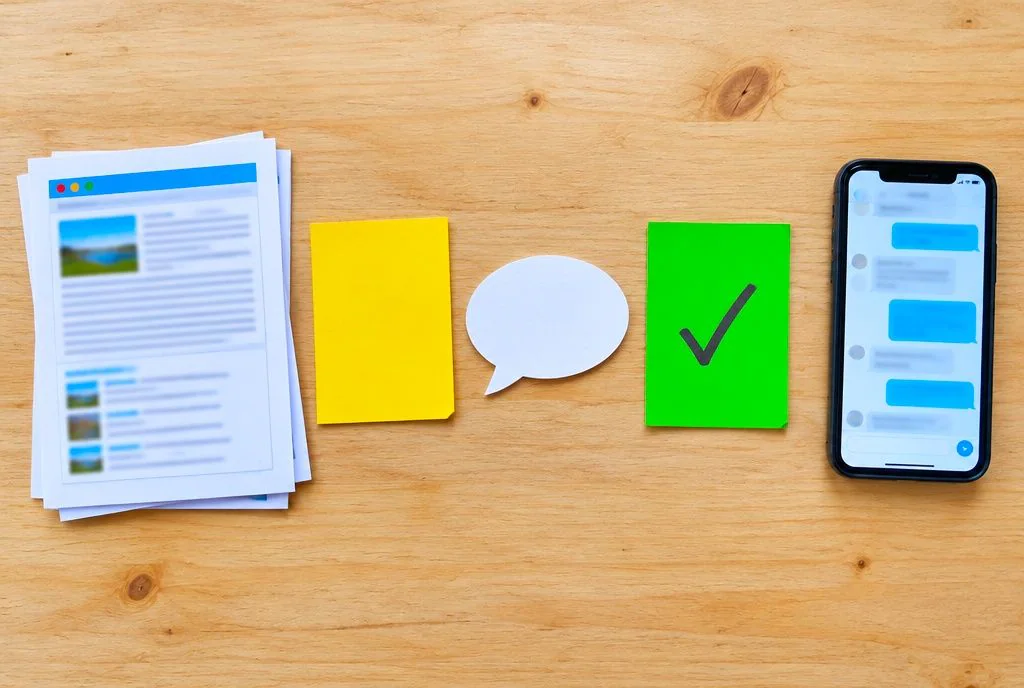
- Choose one clear purpose, such as answering common questions or booking appointments.
- Add your knowledge sources, such as website pages, FAQs and policies.
- Set the tone, the rules and what the bot should never answer.
- Test with real questions from your customers, including awkward ones.
- Add the chat widget to your website and watch the first conversations closely.
Do it yourself or done for you
Do-it-yourself tools give you control and can be a good way to learn, but you do the setup, testing and upkeep. A done-for-you setup saves time because someone else handles the training and integration. Choose by how much time you have, not just by the sticker price.
Mistakes to avoid
- Too little content: a bot with thin material will either say “I don’t know” constantly or guess.
- No handover: customers need a way to reach a person.
- No testing: try dozens of real questions before launch, then keep checking afterwards.
How can you try a chatbot like this on your own website?
Chati is an AI chatbot that answers customers from your own website, shows its sources and hands the chat to your team when it is unsure. See the steps on our how it works page.
What you get
- A bot trained on your website and your data, with custom integration.
- Visible sources on its answers.
- Handover to your human team when it is not sure.
- Your branding, plus lead capture and bookings.
Who builds it
Our team has been developing apps since 2009, and we aim to offer great value for money to UK small and growing businesses. Read more about us and see how it is priced on our pricing page. If you would like to see a chatbot like the examples above on your own site, get in touch with Chati and we will talk it through with you.
Frequently asked questions
What is the best free chatbot example?
For general questions, ChatGPT, Gemini, Claude, Microsoft Copilot and Perplexity all offer free ways to try them, though limits vary. For answering your own customers, a general free tool is not trained on your business, so it is better for learning than for your website.
What is the difference between a chatbot and a virtual assistant?
Mainly, a chatbot holds a conversation, often on one topic, such as a website’s customer questions. A virtual assistant, like Alexa, usually does a wider range of tasks, such as controlling devices and setting reminders. The two overlap, and Alexa counts as both.
Can a chatbot book appointments?
Yes. It can collect the details needed for a booking, such as name, number and preferred time, and pass them on or book directly. Chati includes bookings alongside lead capture.
Do I need to tell customers they are talking to a bot?
You should. Being open that it is a bot builds trust and avoids confusion, and clear disclosure is good practice in the UK. Check with a data protection adviser if you are unsure about your own duties.
How much does a business chatbot cost?
It varies widely, from free do-it-yourself tools to fully managed setups. Think about setup time, upkeep and handover as well as the monthly fee. Chati’s pricing is on our pricing page.
Can a chatbot hand over to a real person?
Yes, and a good one should. When it is unsure, or when the customer asks for a person, the chat passes to your team, so nobody has to repeat their question.
How do I stop a chatbot giving wrong answers?
Train it on your own accurate content, make it show its sources, and set rules for topics it must not answer. Test it with real questions, read the chats regularly and make sure it hands over when unsure.